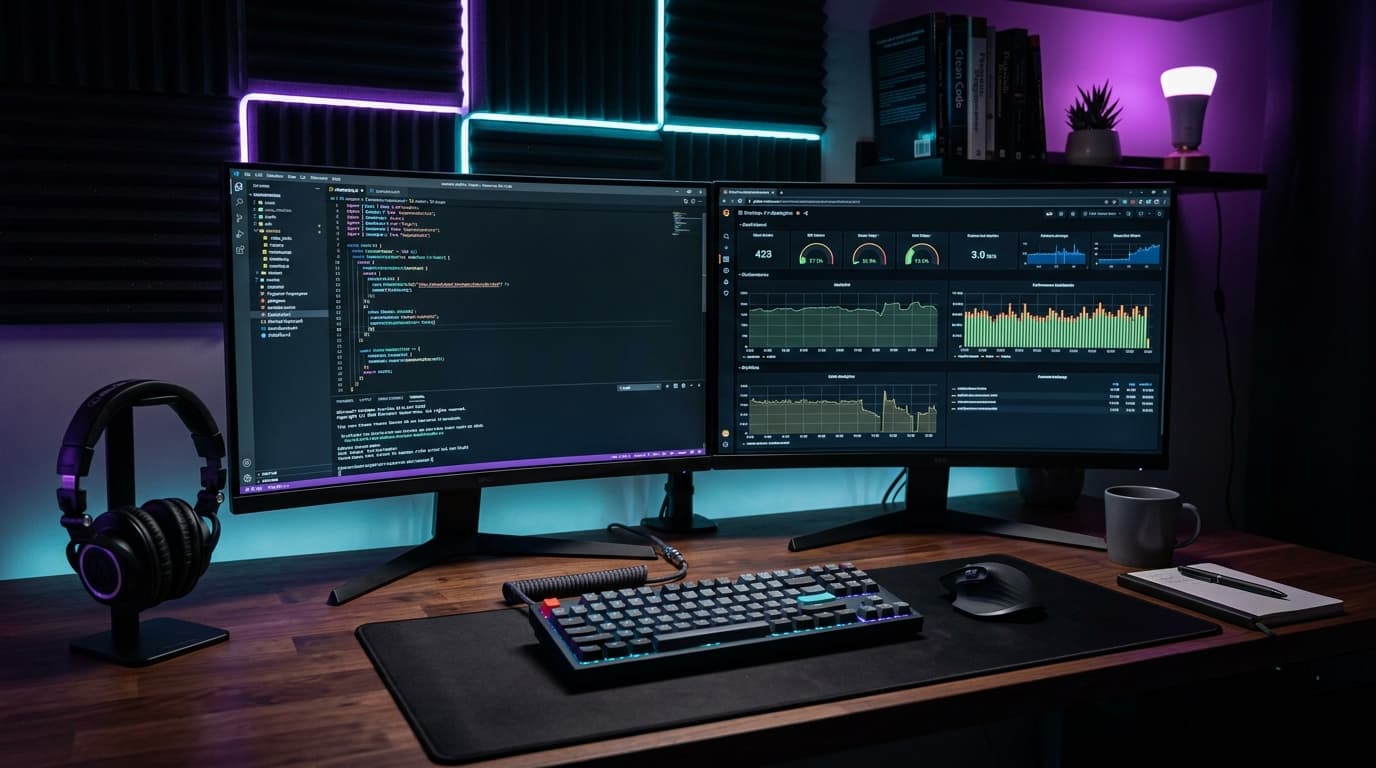
Engineering productivity is not about typing faster—it is about reducing friction, automating repetitive tasks, and maintaining deep focus. Here is a curated breakdown of the exact tools, IDE extensions, and workflows I rely on every day.
1. VS Code Configuration & Essential Extensions
A clean editor setup minimizes visual clutter. My daily drivers include ESLint, Prettier, Tailwind CSS IntelliSense, GitLens, and error lenses for inline diagnostic feedback.
2. Terminal Velocity with Zsh & Warp
Using modern terminal emulators with AI command assistance, customized git aliases, and fast directory jumping allows navigation at lightning speed.
3. Design & Prototyping: Figma Workflow
Organized Figma component libraries with matching Tailwind design tokens streamline frontend implementation and prevent style discrepancies.
4. API Debugging with Bruno & Postman
Version-controlled API collections stored directly in the git repository allow rapid testing without cloud sync vendor lock-in.
Summary & Action Items
Conclusion
Review your daily workflows periodically to eliminate micro-inefficiencies. A streamlined development setup allows you to focus 100% of your cognitive energy on crafting exceptional software.

Written by Muhammad Sohaib
Full Stack DeveloperFull Stack Engineer & UI/UX Designer specializing in Next.js, React, Node.js, and high-performance digital products.