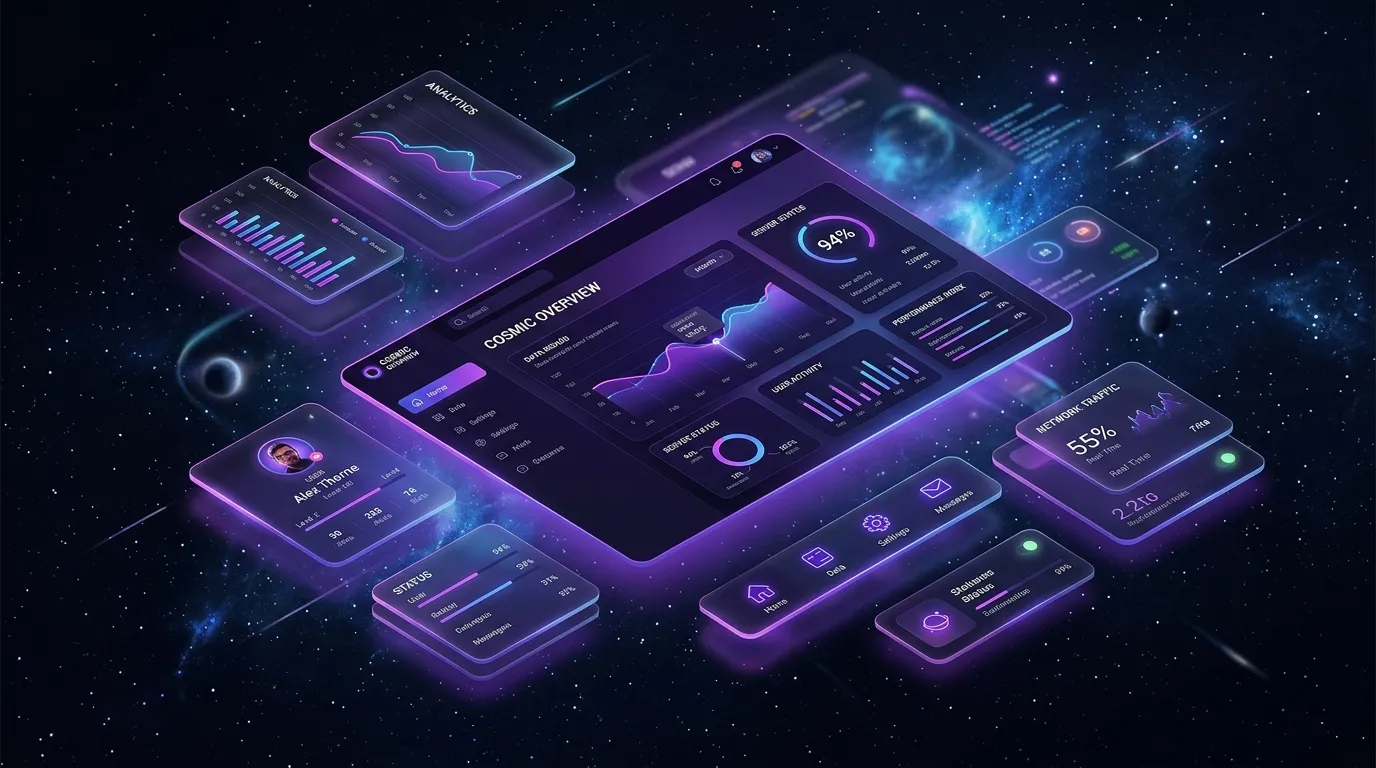
A visually breathtaking design is meaningless if users cannot navigate your product effortlessly. Great UI/UX bridges aesthetics and human psychology, creating interfaces that feel intuitive, delightful, and high-converting.
1. Visual Hierarchy & Intentional White Space
White space is not empty space—it is a powerful design tool. By increasing padding and margins around focal points, you guide the user's eye naturally toward primary actions without cognitive overload.
2. Micro-Interactions & Instant Feedback Loops
Buttons that respond to hover, loading spinners with smooth transitions, and subtle spring physics make an application feel alive and responsive. Feedback confirms to the user that their actions were received.
Keep animation durations between 150ms and 300ms. Anything slower feels sluggish, while anything faster is imperceptible.
3. Accessible Color Contrast & Typography Scales
Design for all users by ensuring text meets WCAG AA contrast standards (minimum 4.5:1 ratio for body text). Use fluid clamp typography to guarantee crisp legibility across mobile, tablet, and ultra-wide screens.
4. Frictionless Forms & Clear Calls to Action
Minimize required form fields, provide inline validation as users type, and place clear, high-contrast CTA buttons at the bottom of logical scanning paths.
Summary & Action Items
Conclusion
Focusing on subtle details—spacing consistency, instant feedback, and accessible contrast—transforms an ordinary website into an unforgettable digital experience that users love returning to.

Written by Muhammad Sohaib
Full Stack & AI EngineerFull Stack Engineer & UI/UX Designer specializing in Next.js, React, Node.js, and high-performance digital products.