Almost every client conversation now includes the question: "Can we add AI to this?" The honest answer is usually yes — but the difference between a feature users love and a surprise invoice comes down to a few engineering decisions made on day one. Here is the approach I use when adding LLM features to production web apps.
1. Start With One Workflow, Not a Chatbot
A generic chat box rarely moves a business metric. A focused feature does: generating product descriptions from a few attributes, drafting SEO metadata for a page, summarising a support ticket, or classifying incoming leads. Pick the workflow where your team loses the most time, and make AI do exactly that one job well.
2. Stream Responses So the Feature Feels Instant
LLMs can take several seconds to finish a response. Streaming tokens to the UI as they are generated turns a frustrating wait into visible progress. In a Next.js + NestJS stack I stream over Server-Sent Events and render the partial result as it arrives.
// Stream tokens to the browser as they are generated (OpenAI SDK)
const stream = await openai.chat.completions.create({
  model,
  messages,
  stream: true,
});

for await (const chunk of stream) {
  const token = chunk.choices[0]?.delta?.content ?? "";
  if (token) res.write(`data: ${JSON.stringify({ token })}\n\n`);
}
res.end();
3. Put Hard Limits on Usage From Day One
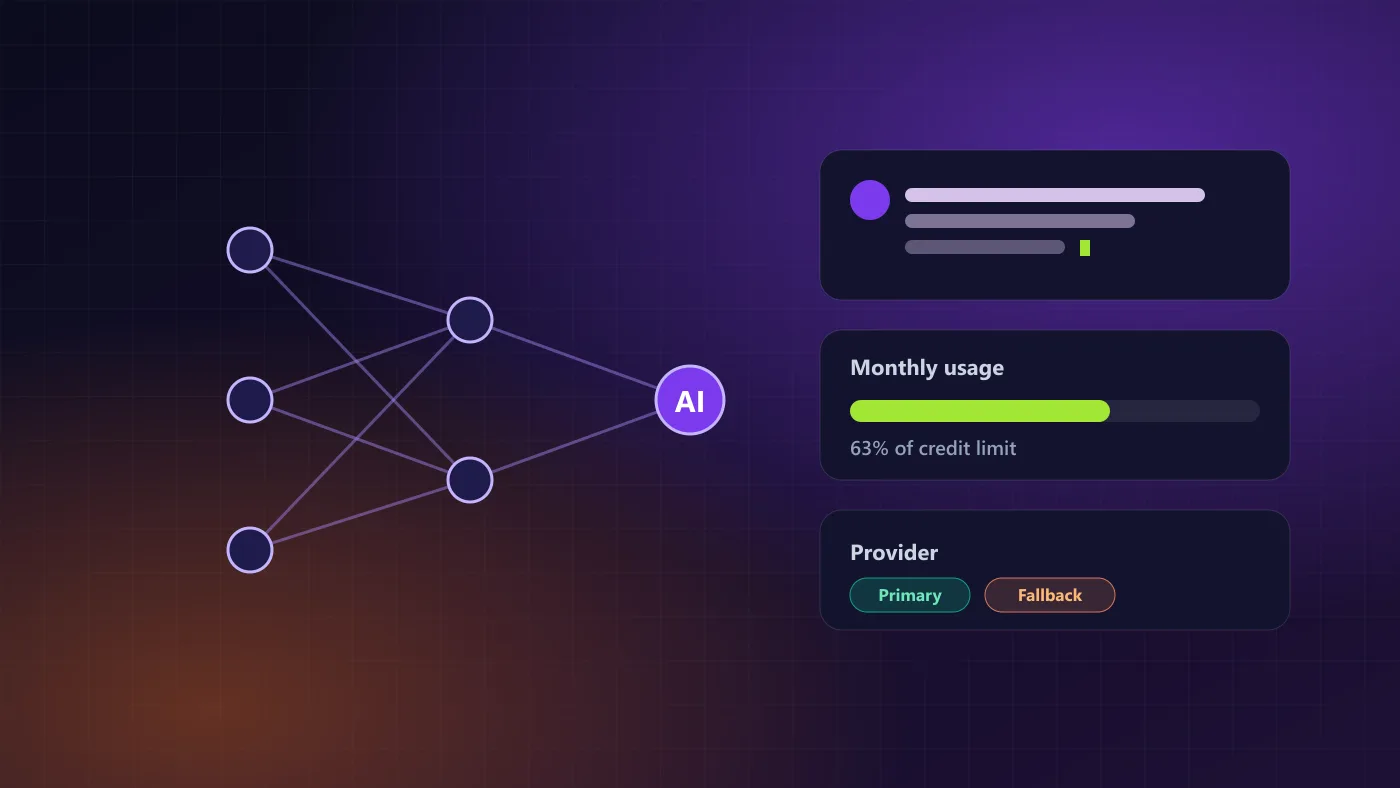
Cost problems come from unbounded usage, not from the model price itself. Give every workspace or user a credit balance, reserve credits atomically before a request starts, and refund them if the request fails. Add rate limits per user and a maximum output length per feature.
Log tokens used per feature from the first release. It is the single best input for pricing your AI plan later.
4. Ask for Structured Output — and Validate It
When the model's answer feeds your UI or database, ask for JSON with a defined shape and validate it with a schema library such as Zod before using it. Models occasionally wrap JSON in prose or skip a field; your code should retry or fall back gracefully instead of crashing.
5. Design for Provider Failure
Every AI provider has outages and rate limits. Keep the provider behind a small interface in your code so you can switch between OpenAI, Claude or an open-source model without touching feature code, and fail over automatically when the primary provider errors.
6. Ground Answers in Your Own Data (RAG)
For assistants that answer questions about your products, policies or documentation, retrieval-augmented generation (RAG) is the difference between a helpful answer and a confident guess. Index your content, retrieve the most relevant passages for each question, and instruct the model to answer only from them — and to say when it doesn't know.
Summary & Action Items
Conclusion
AI features succeed when they are treated like any other production feature: a clear job, a measurable outcome, limits, validation and a fallback plan. Start small, measure, and scale what works.

Written by Muhammad Sohaib
Full Stack & AI EngineerFull Stack Engineer & UI/UX Designer specializing in Next.js, React, Node.js, and high-performance digital products.